

Smart Second Brain
Chat with your Obsidian notes using RAG and local LLMs
About Smart Second Brain
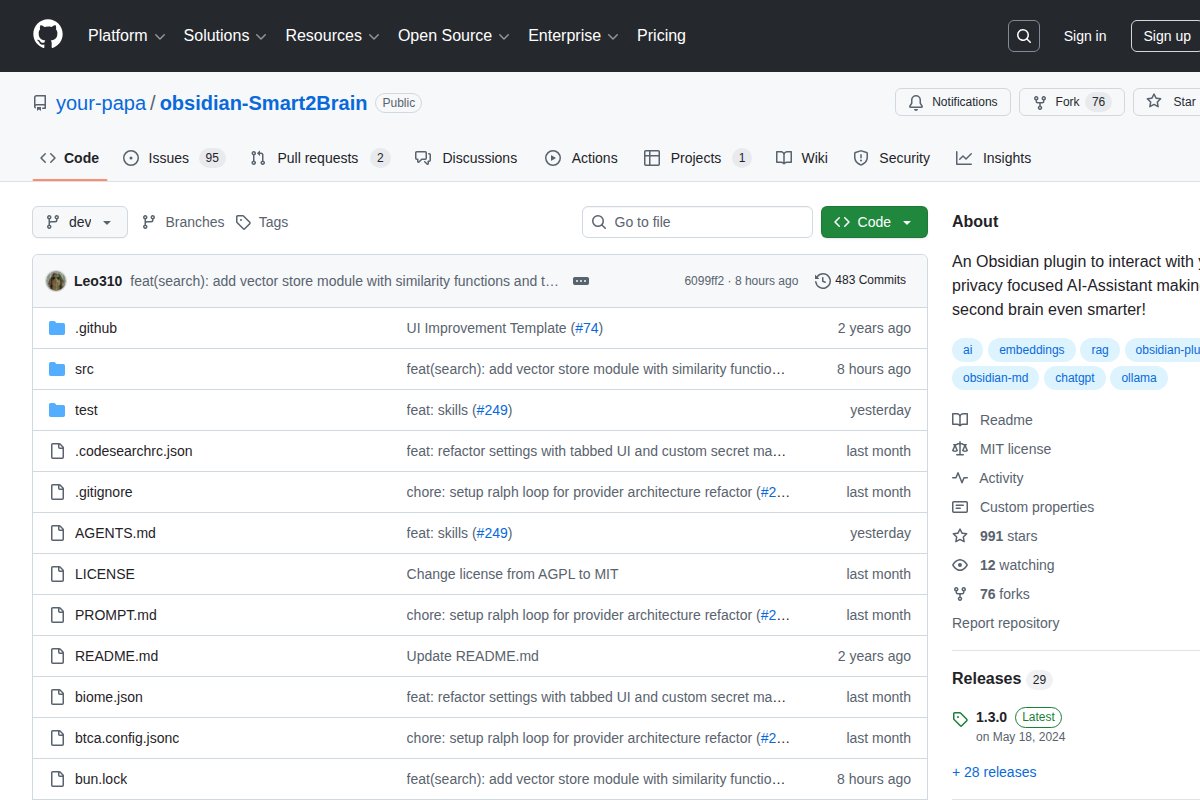


Chat with your Obsidian notes using RAG and local LLMs.
Smart Second Brain works 100% offline, is open source, is completely free to use, runs on CPU without a dedicated GPU.
Platform Support
Available for: Windows, macOS, Linux
System Requirements
- Minimum RAM: 8 GB
- GPU: Not required — runs on CPU
Links
Official Website · GitHub Repository
Full description coming soon. Check the official website or GitHub for more details.
Frequently Asked Questions
What is Smart Second Brain?
Chat with your Obsidian notes using RAG and local LLMs ## About Smart Second Brain Chat with your Obsidian notes using RAG and local LLMs. Smart Second Brain works 100% offline, is open source, is completely free to use, runs on CPU without a dedicated ...
Is Smart Second Brain free?
Yes, Smart Second Brain is completely free to use. It's also open source.
Does Smart Second Brain work offline?
Yes, Smart Second Brain works 100% offline once installed.
What platforms does Smart Second Brain support?
Smart Second Brain is available for Windows, macOS, Linux.
Related Tools
View all →
Ollama
Run large language models locally with a simple CLI interface

LM Studio
Discover, download, and run local LLMs with an easy-to-use desktop app

Jan
Open-source ChatGPT alternative that runs 100% offline on your computer

GPT4All
Free-to-use, locally running, privacy-aware chatbot by Nomic AI

Text Generation WebUI
The AUTOMATIC1111 of text generation - maximum control for LLMs

KoboldCpp
Easy-to-use AI text generation software for GGML/GGUF models