

Ollama
Run large language models locally with a simple CLI interface
Ollama is a powerful tool that allows you to run large language models locally on your machine. It provides a simple command-line interface to download, run, and manage various open-source LLMs.
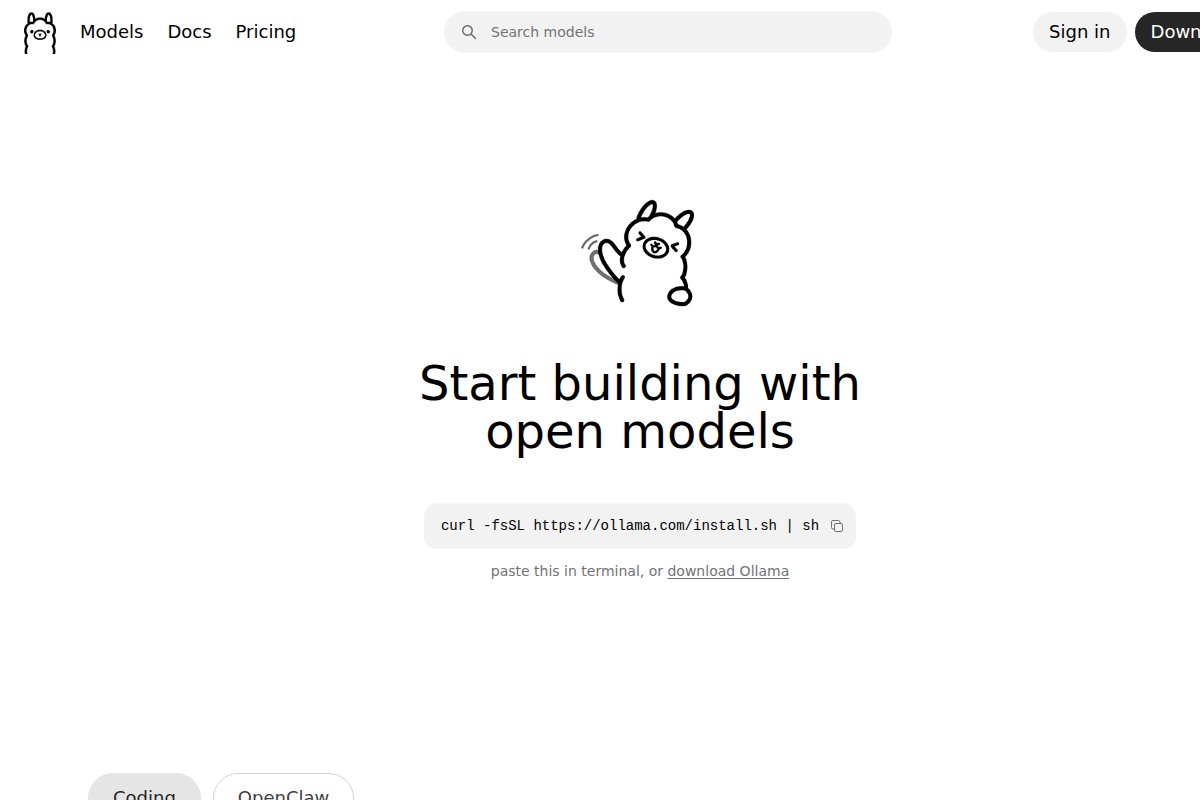


Key benefits of using Ollama include:
- Easy Setup: Get started in minutes with a simple installation process. No complex configuration required.
- Model Library: Access a growing library of pre-configured models including Llama 3, Qwen, Mistral, Gemma, and more.
- Privacy First: All processing happens on your machine. Your data never leaves your computer.
- API Compatible: Provides an OpenAI-compatible API, making it easy to integrate with existing tools.
- Resource Efficient: Optimized for running on consumer hardware with intelligent memory management.
Ollama supports a wide range of models from 1B to 405B parameters, automatically selecting the right quantization for your hardware.
Frequently Asked Questions
What is Ollama?
Run large language models locally with a simple CLI interface Ollama is a powerful tool that allows you to run large language models locally on your machine. It provides a simple command-line interface to download, run, and manage various open-source LLMs. Key ...
Is Ollama free?
Yes, Ollama is completely free to use. It's also open source.
Does Ollama work offline?
Yes, Ollama works 100% offline once installed.
What platforms does Ollama support?
Ollama is available for Windows, macOS, Linux.
Related Tools
View all →
LM Studio
Discover, download, and run local LLMs with an easy-to-use desktop app

Jan
Open-source ChatGPT alternative that runs 100% offline on your computer

GPT4All
Free-to-use, locally running, privacy-aware chatbot by Nomic AI

Text Generation WebUI
The AUTOMATIC1111 of text generation - maximum control for LLMs

KoboldCpp
Easy-to-use AI text generation software for GGML/GGUF models

Llamafile
Distribute and run LLMs with a single portable executable file