

Continue
Open-source AI code assistant for VS Code and JetBrains IDEs
Continue is the leading open-source AI code assistant that seamlessly integrates with VS Code and JetBrains IDEs. It allows you to create custom autocomplete experiences and chats by connecting any models to any context.
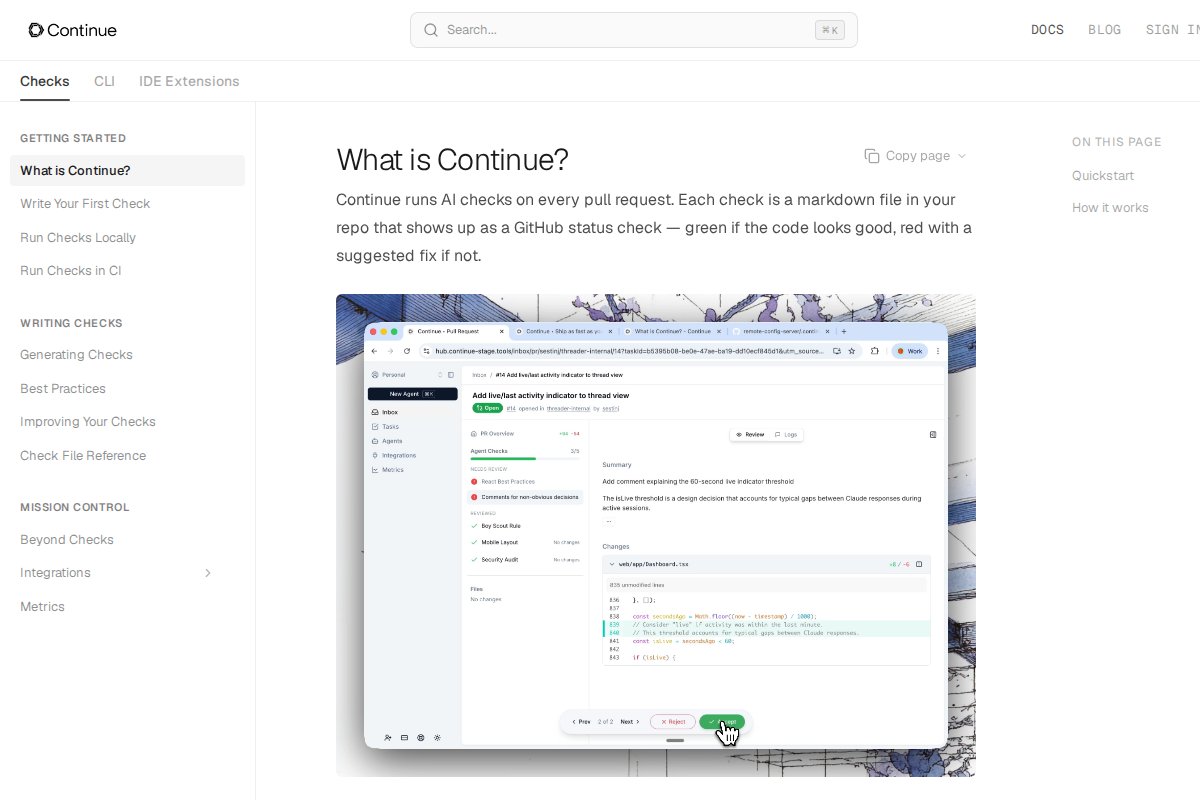


Key features include:
- IDE Integration: Native plugins for VS Code and JetBrains with full editor integration.
- Model Flexibility: Connect to local models (Ollama, LM Studio) or cloud providers.
- Custom Contexts: Teach the AI about your codebase with custom context providers.
- Code Actions: Refactor, document, and transform code with AI assistance.
- Open Source: 20K+ GitHub stars with active community development.
Continue is built for connecting to whatever backend you prefer—open source LLMs, cloud APIs, or your own fine-tuned model.
Frequently Asked Questions
What is Continue?
Open-source AI code assistant for VS Code and JetBrains IDEs Continue is the leading open-source AI code assistant that seamlessly integrates with VS Code and JetBrains IDEs. It allows you to create custom autocomplete experiences and chats by connecting any mo...
Is Continue free?
Yes, Continue is completely free to use. It's also open source.
Does Continue work offline?
Yes, Continue works 100% offline once installed.
What platforms does Continue support?
Continue is available for Windows, macOS, Linux.
Related Tools
View all →
Ollama
Run large language models locally with a simple CLI interface

LM Studio
Discover, download, and run local LLMs with an easy-to-use desktop app

Jan
Open-source ChatGPT alternative that runs 100% offline on your computer

GPT4All
Free-to-use, locally running, privacy-aware chatbot by Nomic AI

Text Generation WebUI
The AUTOMATIC1111 of text generation - maximum control for LLMs

KoboldCpp
Easy-to-use AI text generation software for GGML/GGUF models