

Affinity Photo
Professional photo editing - now free from Canva
About Affinity Photo
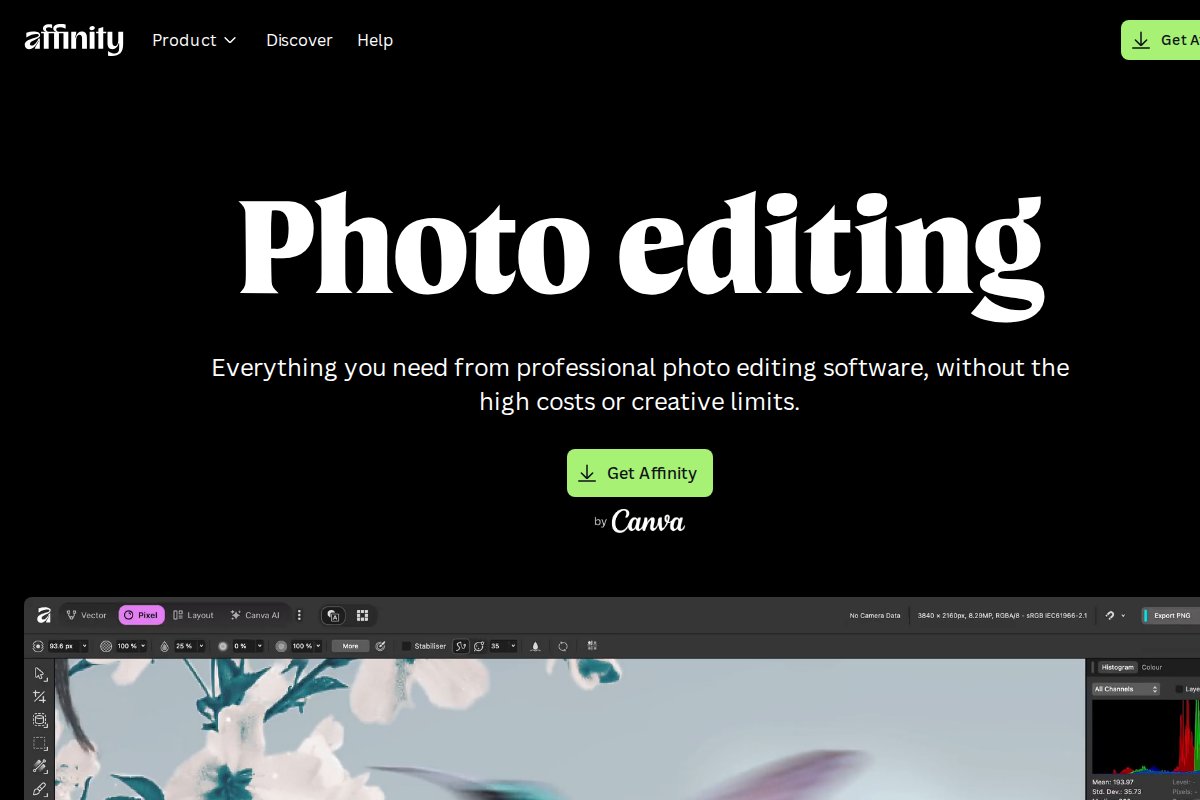


Professional photo editing - now free from Canva.
Affinity Photo works 100% offline, is completely free to use, runs on CPU without a dedicated GPU.
Platform Support
Available for: Windows, macOS
System Requirements
- Minimum RAM: 8 GB
- GPU: Not required — runs on CPU
Links
Full description coming soon. Check the official website or GitHub for more details.
Frequently Asked Questions
What is Affinity Photo?
Professional photo editing - now free from Canva ## About Affinity Photo Professional photo editing - now free from Canva. Affinity Photo works 100% offline, is completely free to use, runs on CPU without a dedicated GPU. ### Platform Support Av...
Is Affinity Photo free?
Yes, Affinity Photo is completely free to use.
Does Affinity Photo work offline?
Yes, Affinity Photo works 100% offline once installed.
What platforms does Affinity Photo support?
Affinity Photo is available for Windows, macOS.
Related Tools
View all →
Ollama
Run large language models locally with a simple CLI interface

LM Studio
Discover, download, and run local LLMs with an easy-to-use desktop app

Jan
Open-source ChatGPT alternative that runs 100% offline on your computer

GPT4All
Free-to-use, locally running, privacy-aware chatbot by Nomic AI

Text Generation WebUI
The AUTOMATIC1111 of text generation - maximum control for LLMs

KoboldCpp
Easy-to-use AI text generation software for GGML/GGUF models